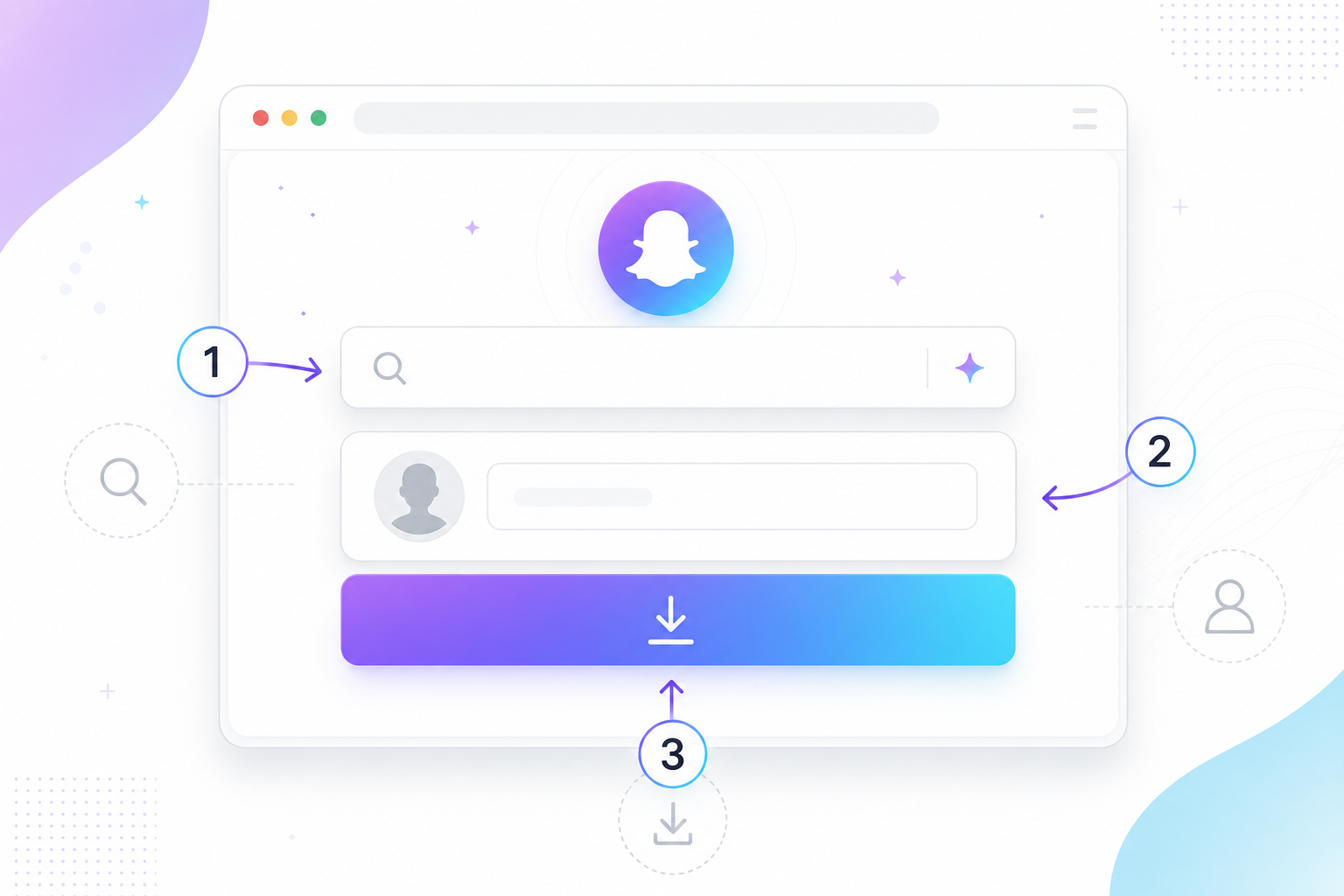
I test public profiles daily on SnapSaver. The interface is intentionally simple. Here is what each screen does.
Step 1
Homepage search
Enter username or paste profile URL…
Visit thesnapsaver.com. Use the search box at the top. Filter tabs (All, Stories, Spotlights) narrow results before you search.
Step 2
Results list
Story thumbnails · View · Download
Public stories, spotlights, and highlights appear with previews. Tap View for full-screen or Download to save directly.
Step 3
Story viewer
Full-screen preview · Download in header (mobile)
On phones, the download button sits in the viewer header so it stays above the fold. Desktop users can download from the list or inside the viewer.
Accepted inputs
| Input | Result |
|---|---|
username | Loads public profile |
| Profile URL | Username auto-extracted |
/add/username | Tracking params stripped |
Privacy
We do not store searches or downloaded files. Processing is real-time. Read our Privacy Policy.